Content Planner
The standalone Planner has been folded into the unified Planning workspace. /planner now opens the Gantt view at /planning/gantt, and the full project workspace lives at Manage → Planning (/planning). See Planning, Projects & Sprints for the current model. The basics below still apply.
The Planner helps you organise content work across a team. Create tasks, assign them to teammates, set milestones, and track progress — so everyone knows what's being made and when.
Before you start: you need a team
The Planner is collaborative, so it needs a team. If you don't have one yet, you'll see this prompt:
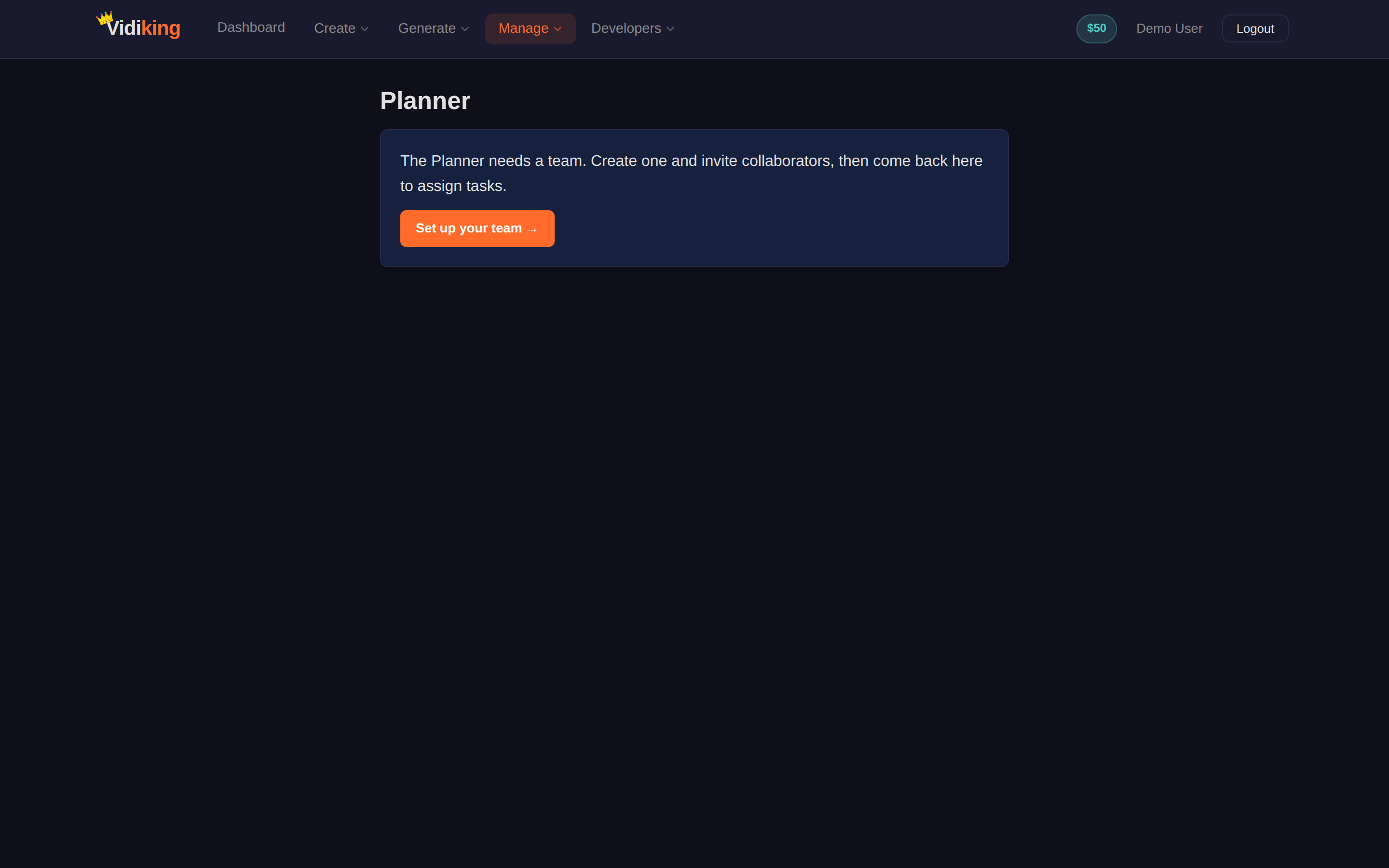
The Planner needs a team. Create one and invite collaborators, then come back here to assign tasks.
Click Set up your team → to create one and invite people, then return to the Planner.
Creating a task
- Click + New Task.
- Fill in the form:
- Task title — what needs to be done (e.g. "Edit 10 product reels").
- Description (optional) — extra context.
- Milestones — progress checkpoints, entered as percentages, e.g. 25, 50, 75. Crossing a milestone notifies the team owner.
- Assignee — the teammate responsible.
- Click Create task.
When a task is assigned or a milestone is reached, the relevant people are emailed automatically — assignees when work lands on their plate, and the owner when progress checkpoints are crossed.
Tracking progress
- As an owner: assign tasks with milestones and watch them move along. You're notified as assignees cross each checkpoint.
- As an assignee: you see the tasks assigned to you. Update your progress as you go — crossing a milestone notifies the team owner.
Each task shows a status and a progress % so the whole team has a shared view of where things stand.
Managing tasks
- Update status / progress — bump a task forward as work happens.
- Delete a task — removes it permanently (you'll be asked to confirm, since this can't be undone).
Next: keep your account topped up — see Wallet & Billing.