Automations (n8n)
The Automations page (at /automations) helps you connect Vidiking to n8n, the workflow automation tool, so videos and media get created automatically from the events that already happen in your business — a new product, a form submission, a schedule.
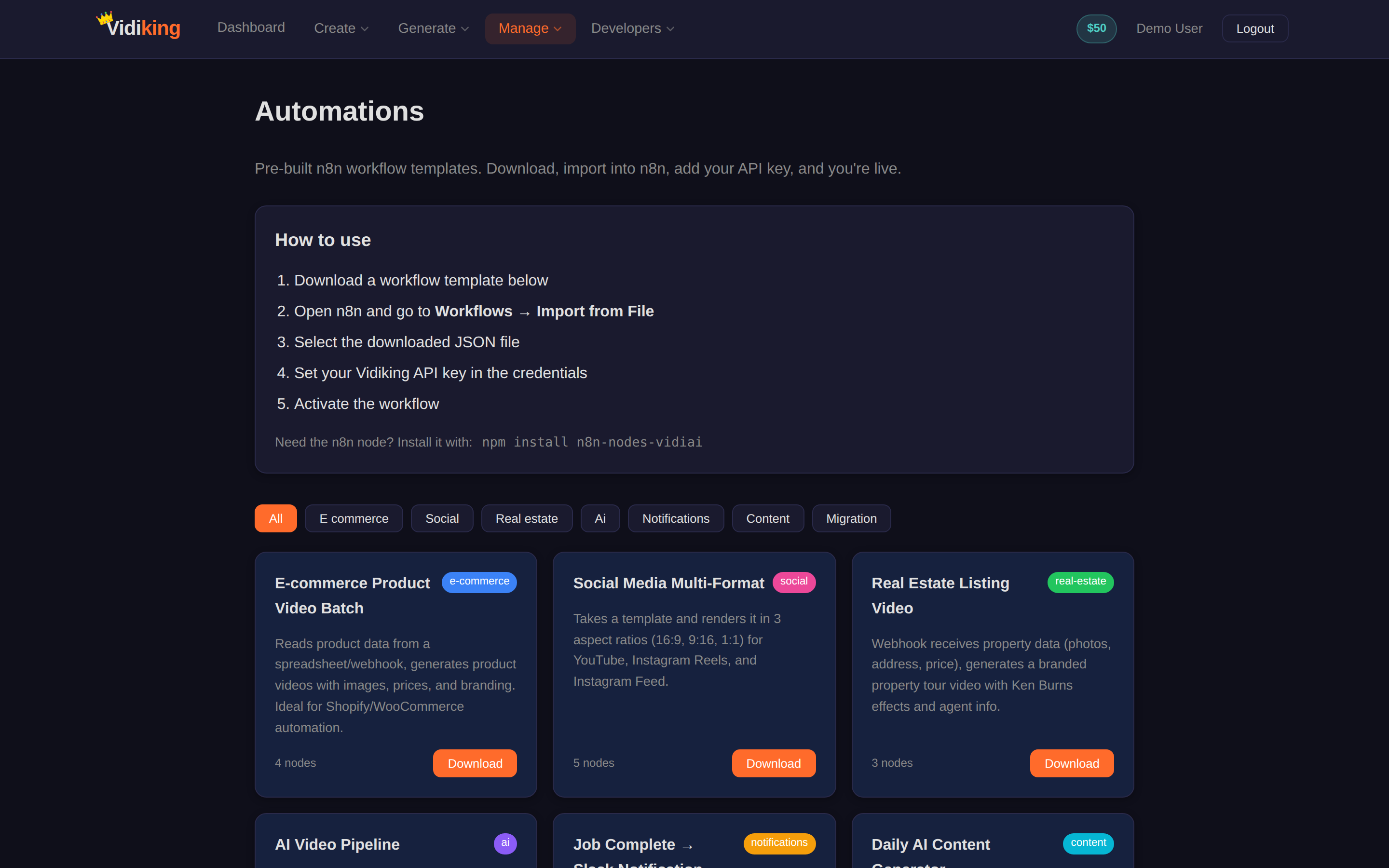
Two ways to start
- Download a workflow template — grab a ready-made n8n workflow from the page as a JSON file.
- Convert a Render JSON to an n8n workflow — paste a Vidiking render/timeline JSON and the page turns it into an importable n8n workflow for you.
Step by step
- Download the workflow JSON from the Automations page (a template, or one converted from your render JSON).
- Open n8n and go to Import → select the downloaded JSON file.
- Add your API key: open the Vidiking credential in n8n and paste your key from the API page.
- Activate the workflow. It now runs automatically on its trigger.
Vidiking publishes an official n8n community node. Install it once and every Vidiking operation is available as a drag-and-drop step — no custom HTTP requests:
npm install n8n-nodes-vidiai
What you can automate
- Render videos from your own data (a spreadsheet, a database, a CRM).
- Generate visuals from product descriptions as items are added to your store.
- Create voiceovers for new marketing content.
- Batch-process hundreds of videos on a schedule.
- Trigger renders from CRM, CMS or e-commerce events.
Because it's n8n, it works with every trigger — webhooks, schedules (cron), and hundreds of app integrations.
Prefer code?
Automations aren't limited to n8n. The same operations are available through the REST API, the SDKs, and Webhooks for finish notifications. Zapier and Make work too — anywhere you can make an HTTP request.
Next: run Vidiking under your own brand with Whitelabel.