Whitelabel & Reselling
The Whitelabel page (at /whitelabel) lets you run Vidiking as your own product. Put your brand on it, set your own prices, give your customers their own logins, and embed video creation directly in your site or app.
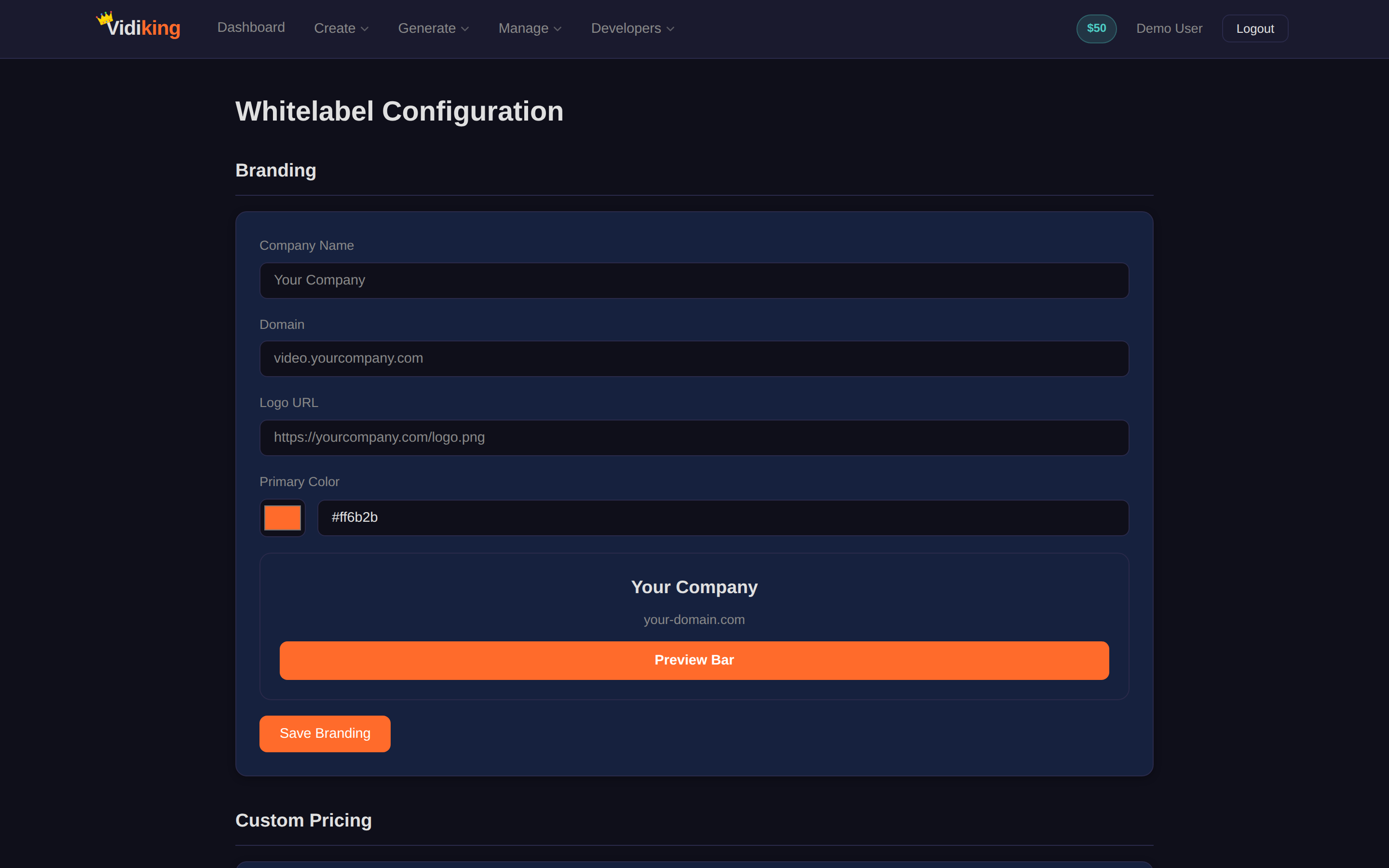
The page is organised into four sections.
1. Branding
Make the platform look like yours:
- Company name — replaces "Vidiking" across the interface.
- Logo URL — your logo in the header.
- Primary colour — the accent colour used throughout.
- Custom domain — serve it from your own address, e.g.
video.yourcompany.com.
Click Save Branding to apply.
2. Custom Pricing
Set the rates your customers pay for each operation — video renders, AI images, voiceovers and so on. This is how you build in your margin: charge your customers your rate while you pay the underlying Vidiking cost. Click Save Pricing when you're done.
The difference between your custom rate and the underlying cost is your profit. Update rates any time as your business grows.
3. Sub-Users
Create and manage sub-accounts for your customers. Each sub-user gets their own login and is billed at the custom pricing you set. From here you can see who's active and how much they're spending, and add new sub-users.
4. Embed Widget
Drop Vidiking's video creation straight into your own website or app with a small embed snippet. Your users create content without ever leaving your brand.
Who this is for
- Agencies offering video production to clients under their own name.
- SaaS products that want to add "create a video" as a native feature.
- Resellers packaging Vidiking with their own pricing and support.
Going further
Whitelabel multi-tenancy is also fully supported through the API, so you can provision sub-users and manage branding programmatically. See the API page and API Reference for the underlying endpoints.
Next: record tutorials and demos with Screen Capture.